Day 38 : Getting Started with AWS Basics

What is aws?
AWS, short for Amazon Web Services, is a comprehensive cloud computing platform offered by Amazon. It provides a wide range of services, including computing, storage, databases, analytics, and more, allowing users to build, operate, and manage applications without managing the underlying hardware. AWS is a leader in the cloud computing market, offering a pay-as-you-go model and a vast array of services for various needs.
What is IAM?
In AWS, IAM stands for Identity and Access Management. It's a web service that helps you securely control access to AWS resources and services. IAM enables you to manage users, groups, roles, and permissions, ensuring secure delegation of access to your AWS infrastructure.
Task 1:
Create an IAM user with username of your own wish and grant EC2 Access. Launch your Linux instance through the IAM user that you created now and install Jenkins and docker on your machine via single Shell Script.
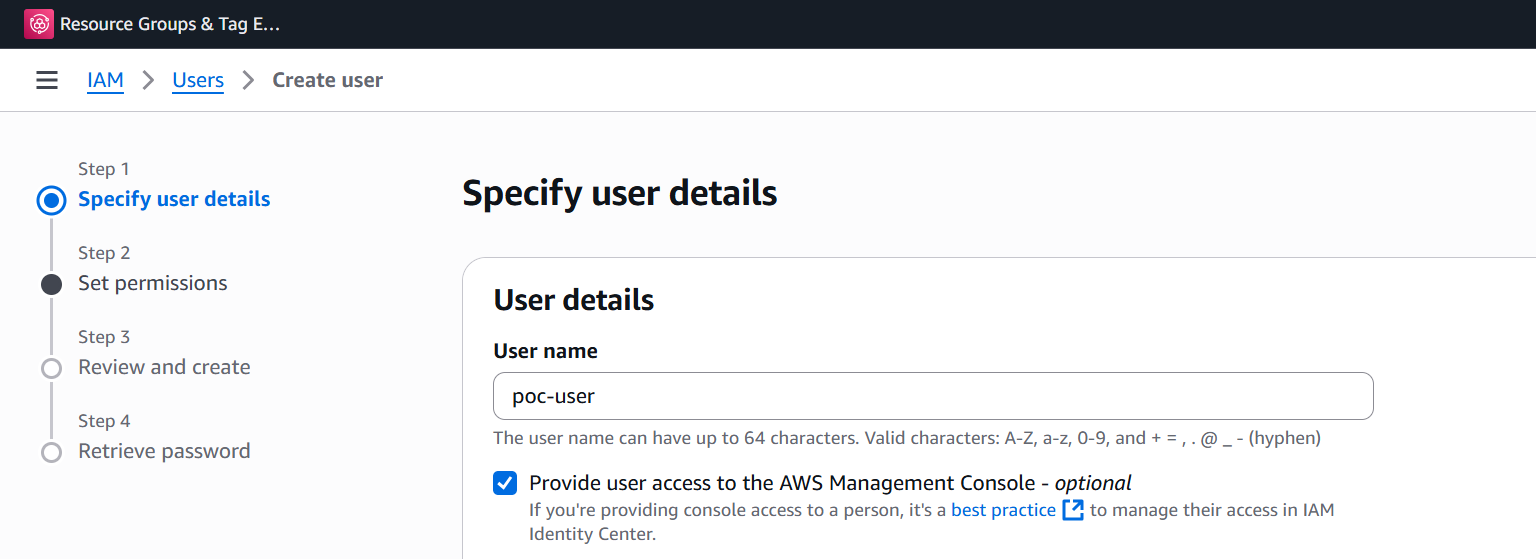
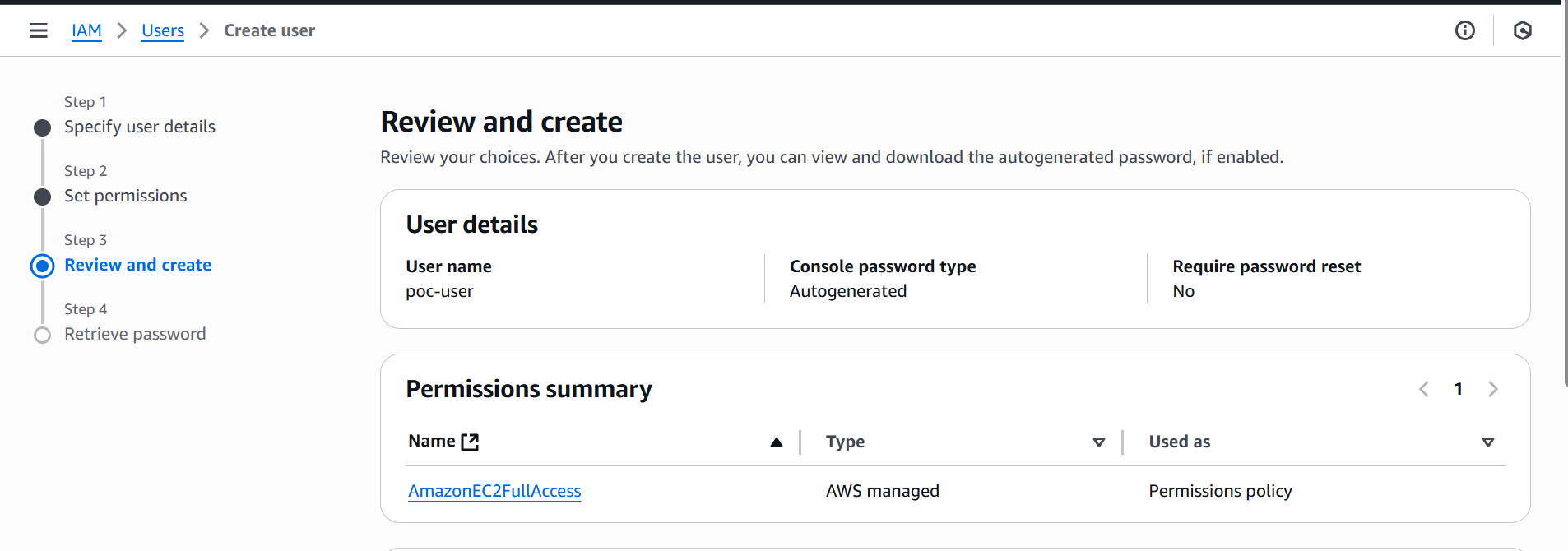
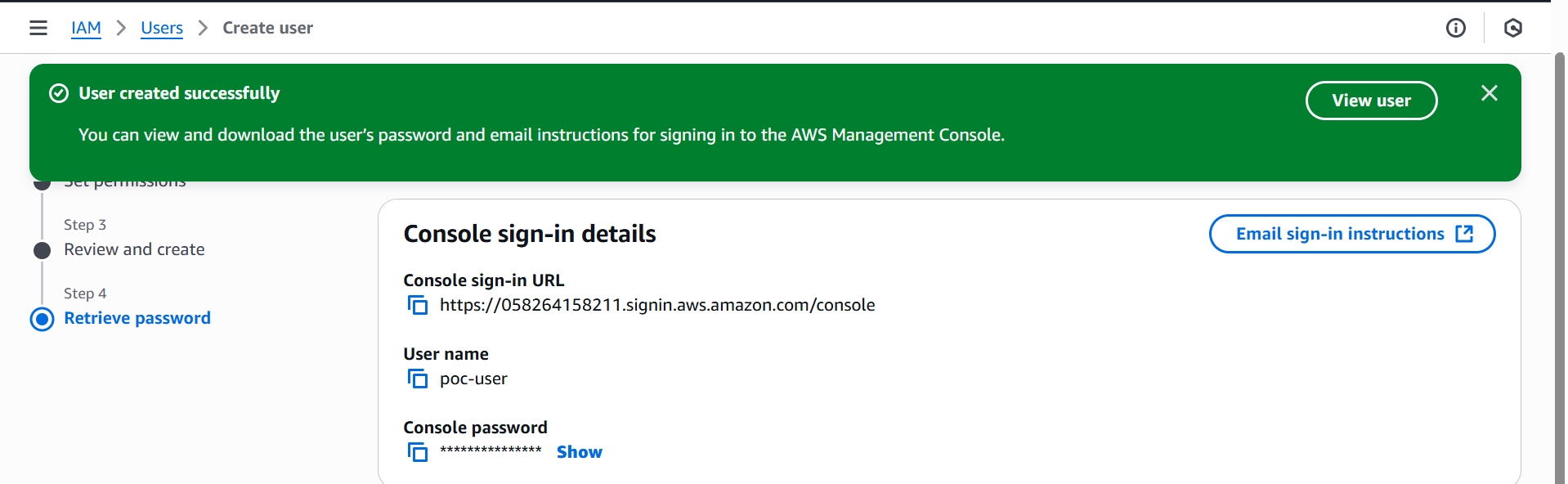
ec2 user data script
#!/bin/bash
#update packages sudo apt-get update -y sudo apt-get upgrade-y
#install docker
#adding docker official gpg key:
sudo apt-get update -y sudo apt-get install ca-certificates curl sudo install -m 0755 -d /etc/apt/keyrings sudo curl -fsSL https://download.docker.com/linux/ubuntu/gpg -o /etc/apt/keyrings/docker.asc sudo chmod a+r /etc/apt/keyrings/docker.asc
#Add the repository to Apt sources:
echo
"deb [arch=$(dpkg --print-architecture) signed-by=/etc/apt/keyrings/docker.asc] https://download.docker.com/linux/ubuntu
$(. /etc/os-release && echo "${UBUNTU_CODENAME:-$VERSION_CODENAME}") stable" |
sudo tee /etc/apt/sources.list.d/docker.list > /dev/null sudo apt-get update -y
sudo apt-get install -y docker-ce docker-ce-cli containerd.io docker-buildx-plugin docker-compose-plugin
sudo systemctl start docker sudo systemctl enable docker
#install java
sudo apt-get install -y fontconfig openjdk-21-jre
#add jenkins key and repository
sudo wget -O /etc/apt/keyrings/jenkins-keyring.asc
https://pkg.jenkins.io/debian-stable/jenkins.io-2023.key echo "deb [signed-by=/etc/apt/keyrings/jenkins-keyring.asc]"
https://pkg.jenkins.io/debian-stable binary/ | sudo tee
/etc/apt/sources.list.d/jenkins.list > /dev/null sudo apt-get update -y sudo apt-get install -y jenkins
docker status after logging into server
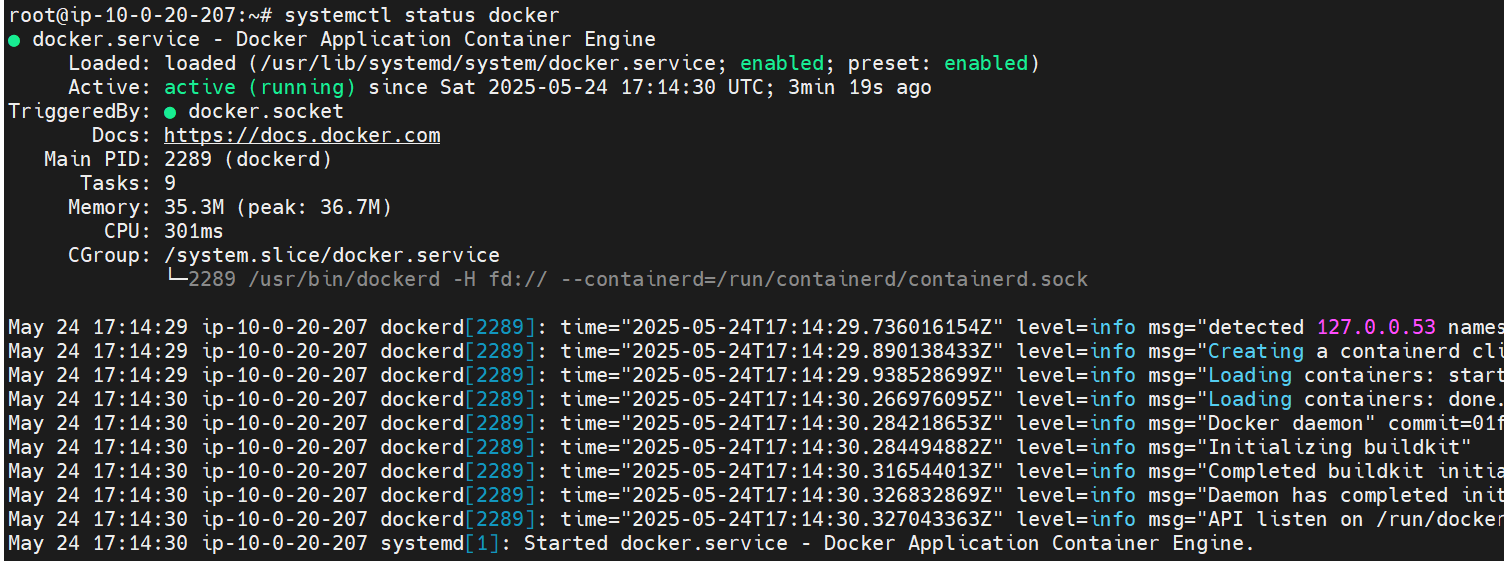
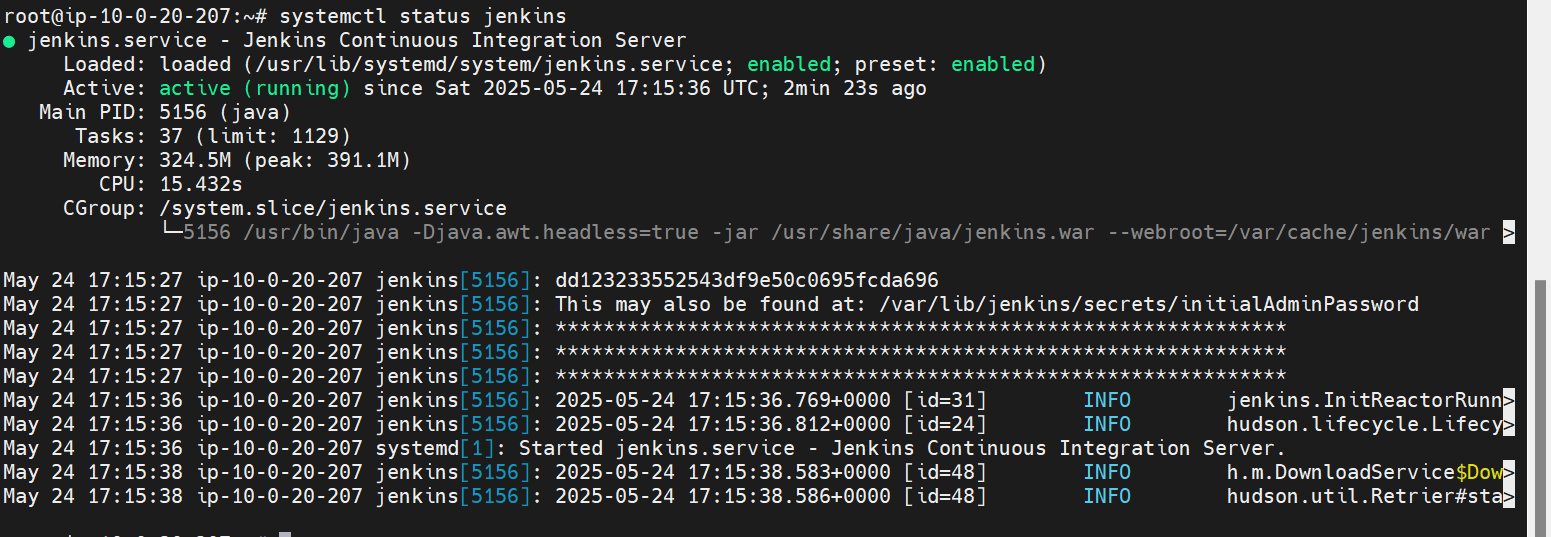
Jenkins status after logging into server
Task2:
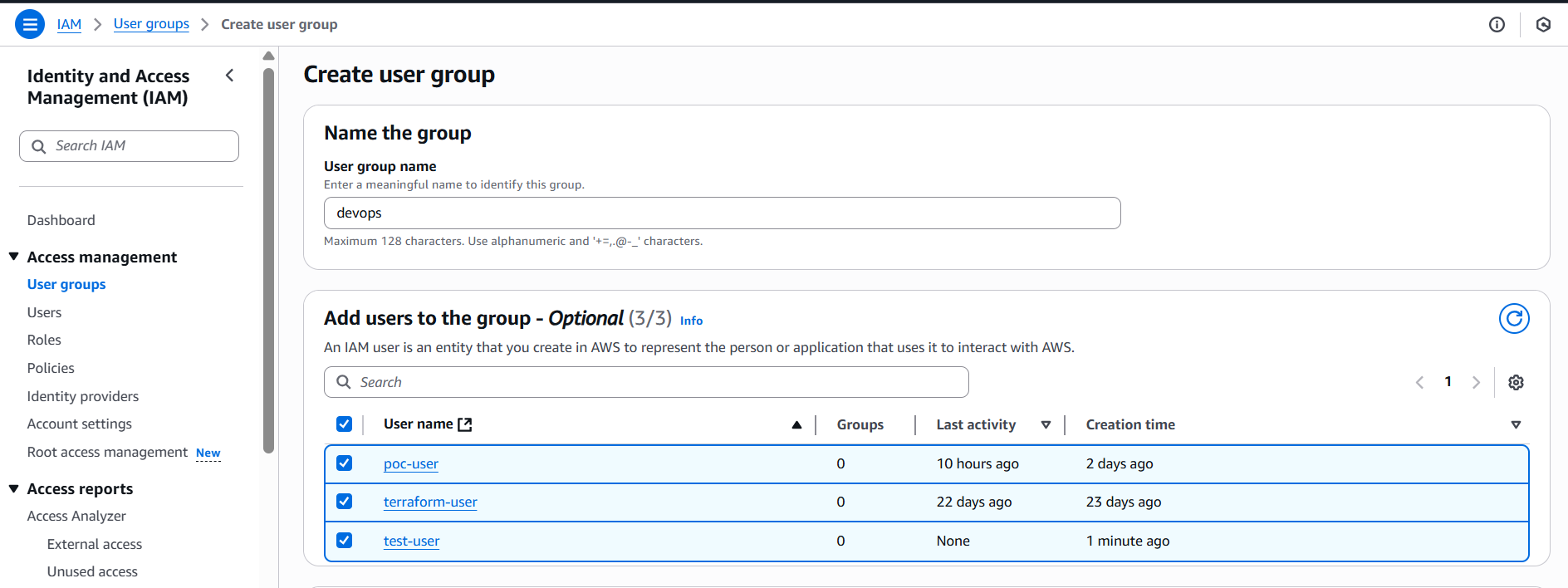
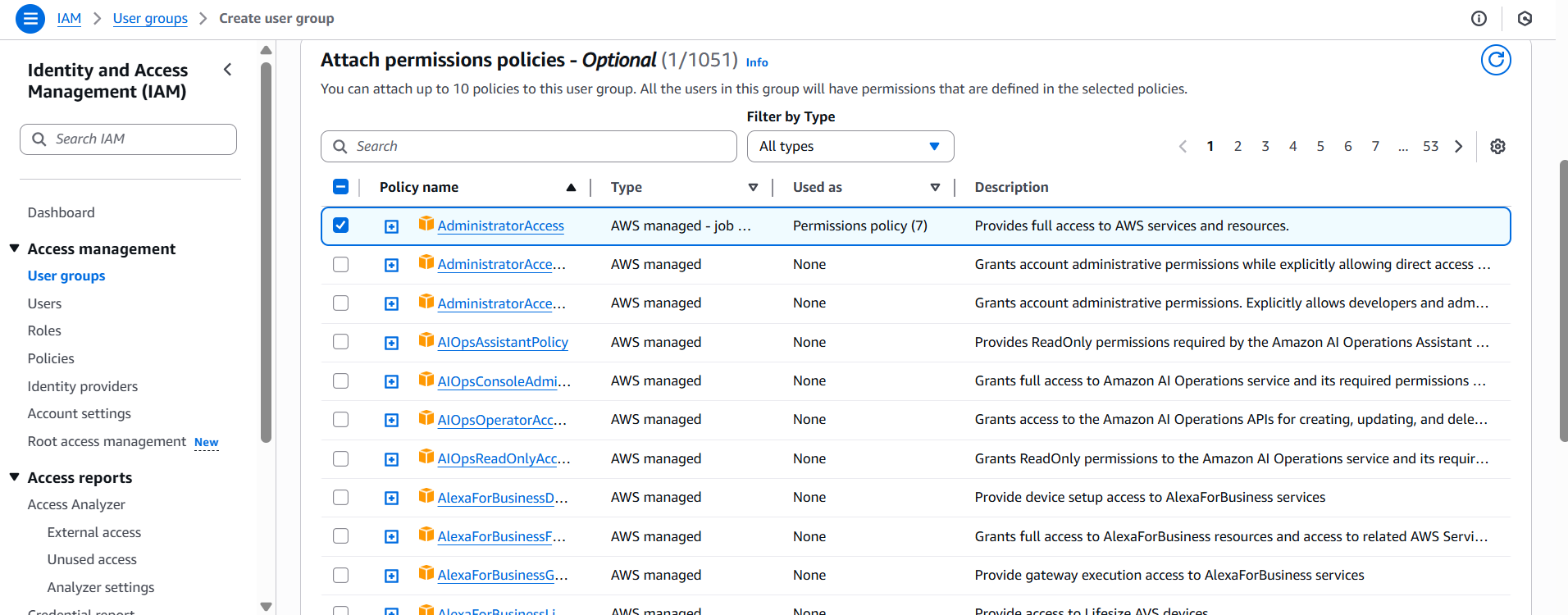
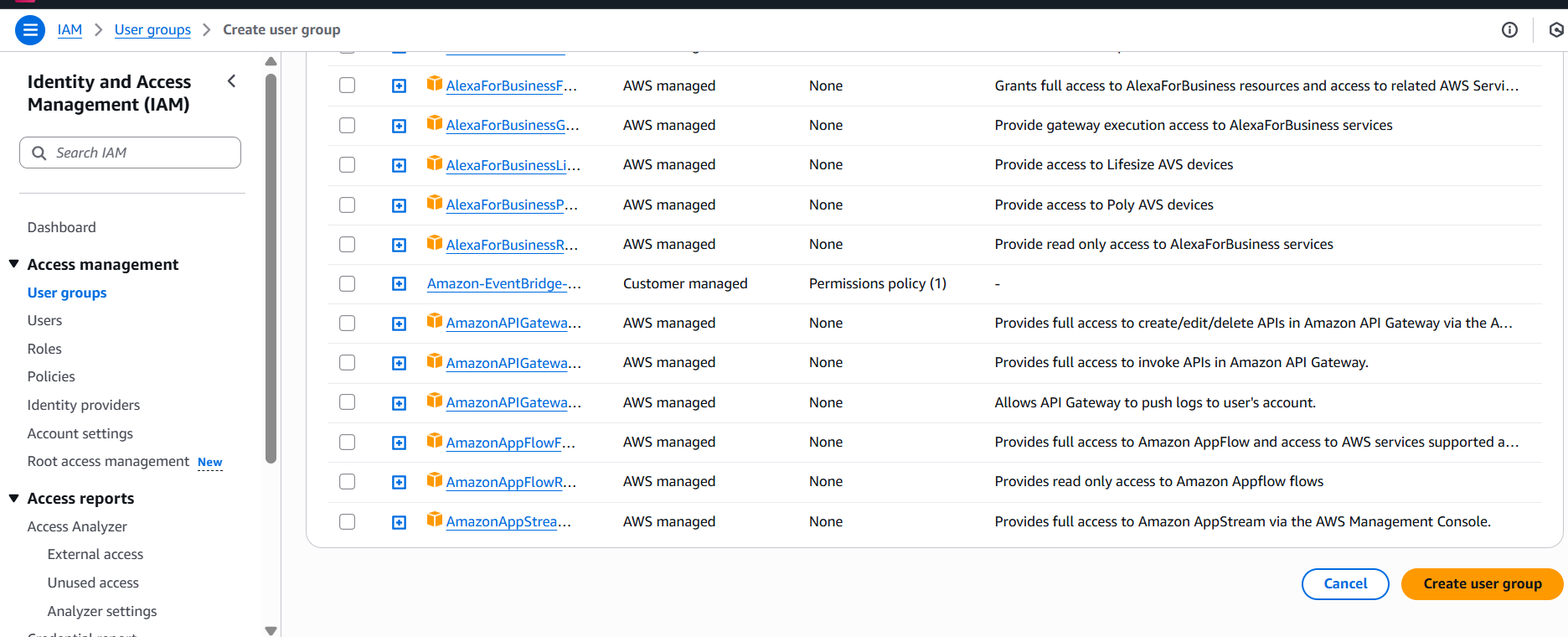
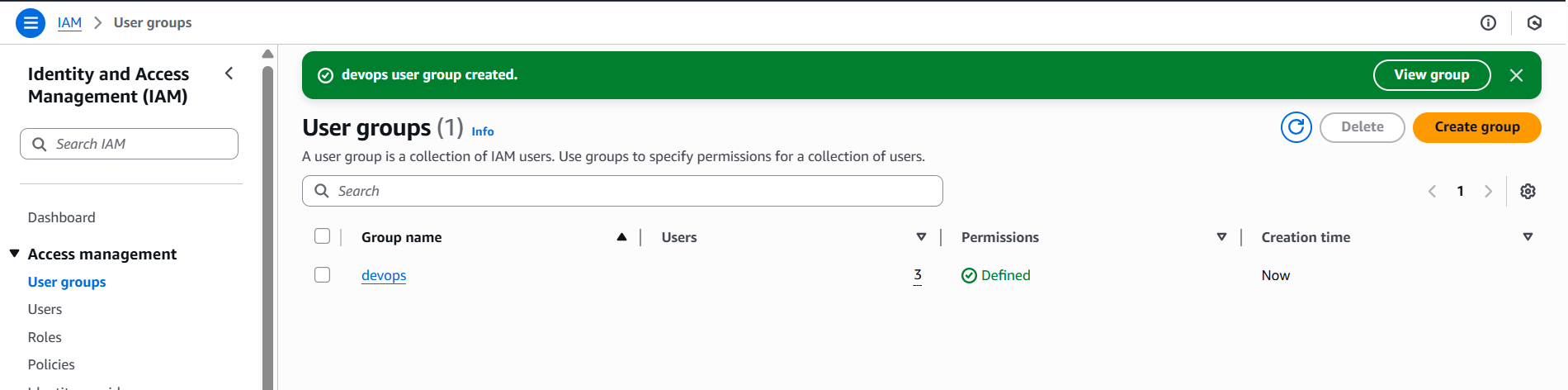
In this task you need to prepare a devops team of avengers. Create 3 IAM users of avengers and assign them in devops groups with IAM policy.
Comments
Join the discussionNo comments yet. Be the first to comment.


